
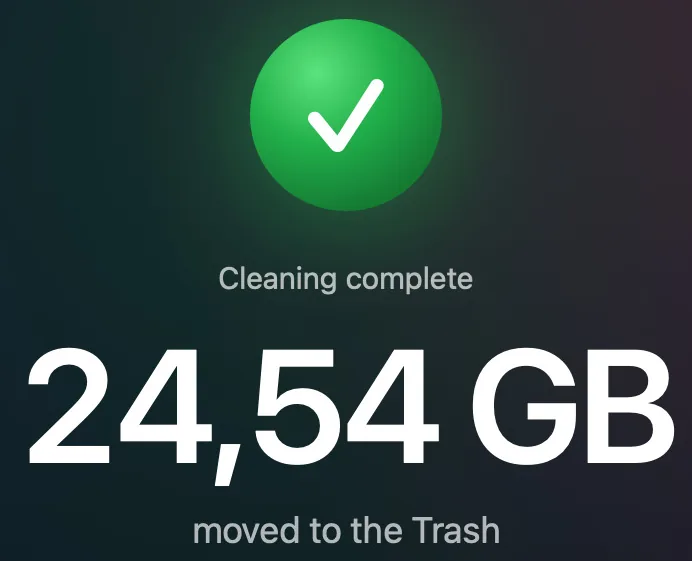

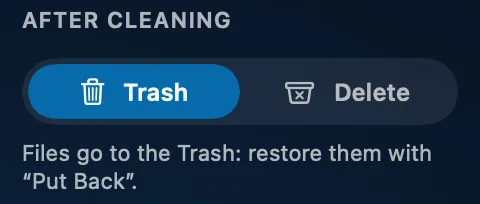
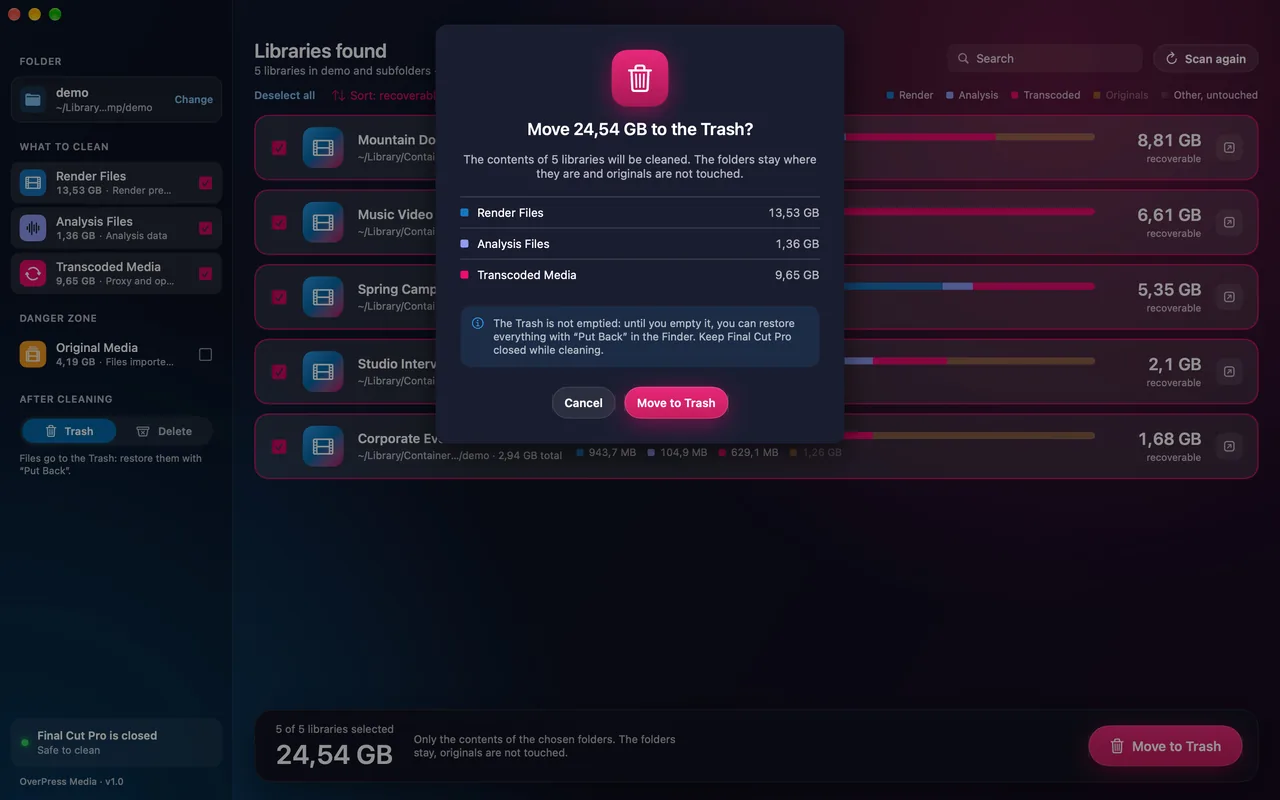
Everything goes to the Trash
Changed your mind? Put Back in the Finder. With the Full Unlock you can pick “Delete”.
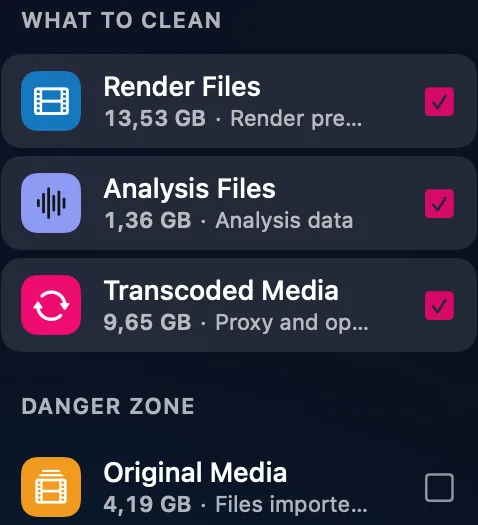
Clears from your Final Cut Pro libraries what can be rebuilt.
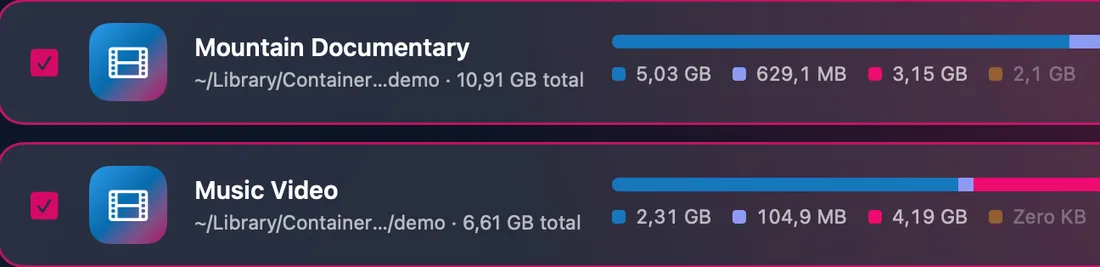
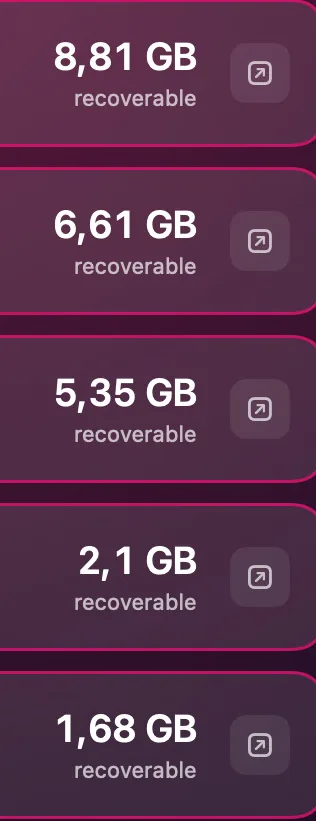
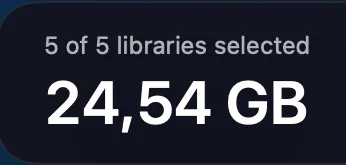
Every project leaves render files, analysis data, proxies and optimized media in the library: tens of gigabytes Final Cut can recreate. Library Cleaner clears them and leaves the edit as it is.
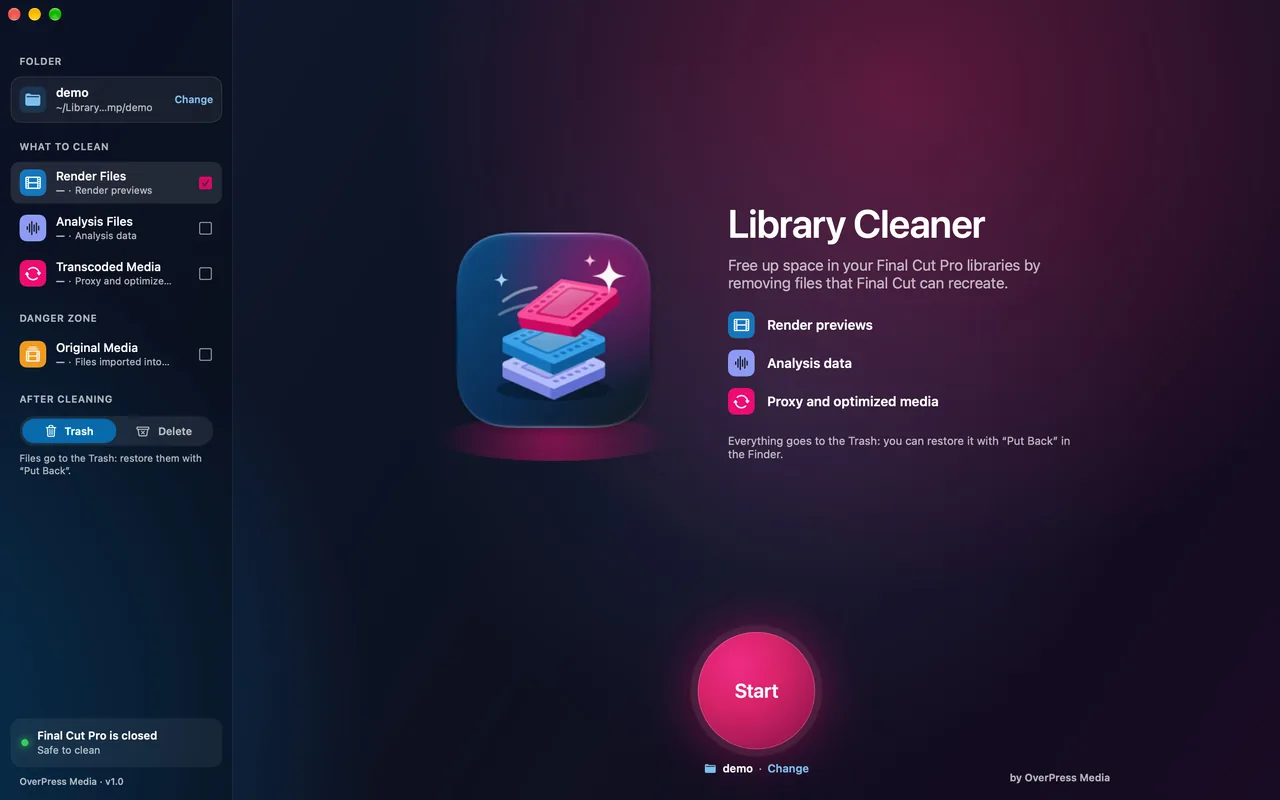
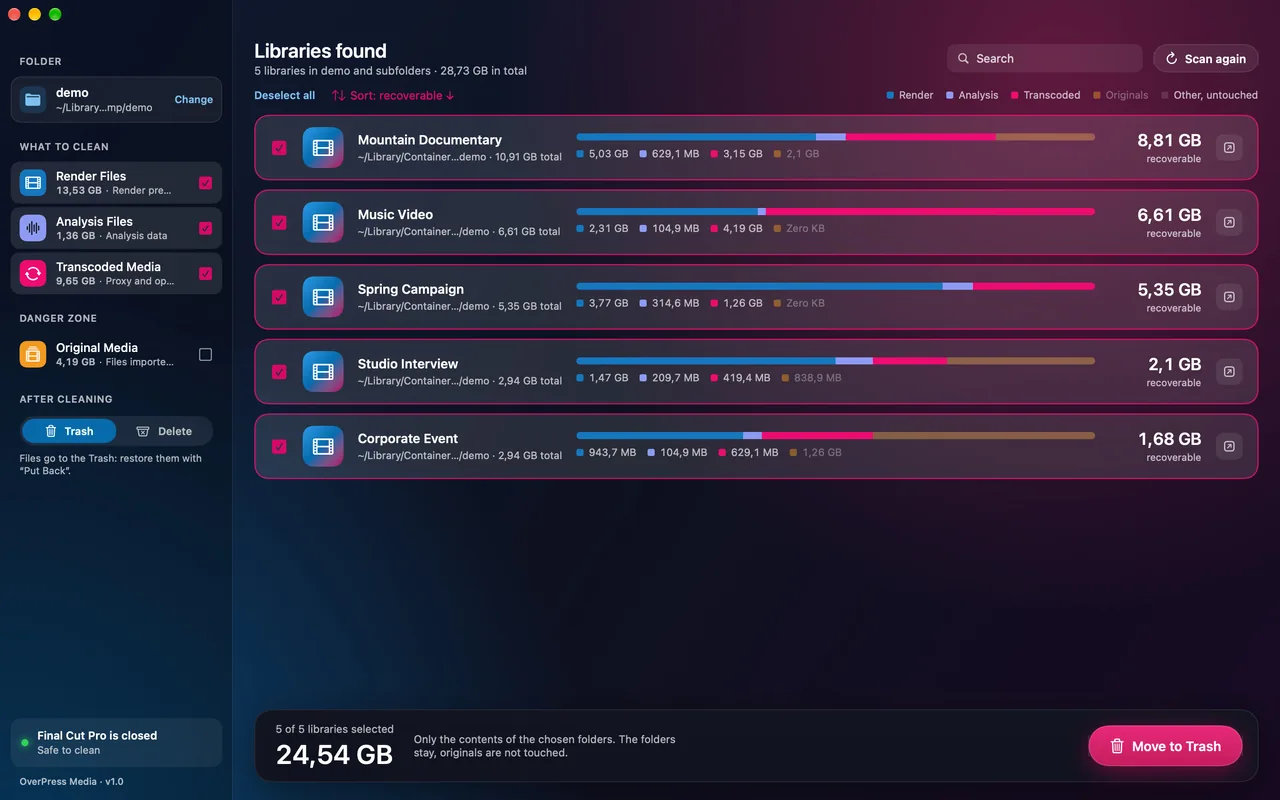
Inside every library, Final Cut keeps files it can recreate when needed.
The timeline’s render previews.
Rebuilt
Analysis data for clips and audio.
Rebuilt
Proxy and optimized media.
Rebuilt
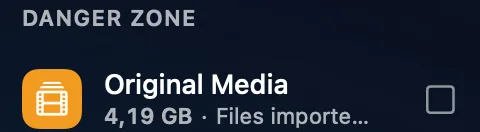
The files copied into the library: without them, clips go offline. Never included by default, you confirm by typing the library name. Links to external media are never touched.
Never rebuilt
Changed your mind? Put Back in the Finder. With the Full Unlock you can pick “Delete”.
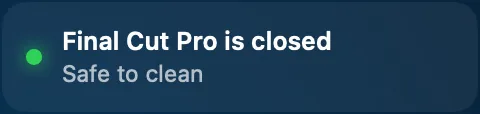
With Final Cut Pro open it won’t start. You see the status live.
If it changed after the analysis, it stops and asks you to scan again.
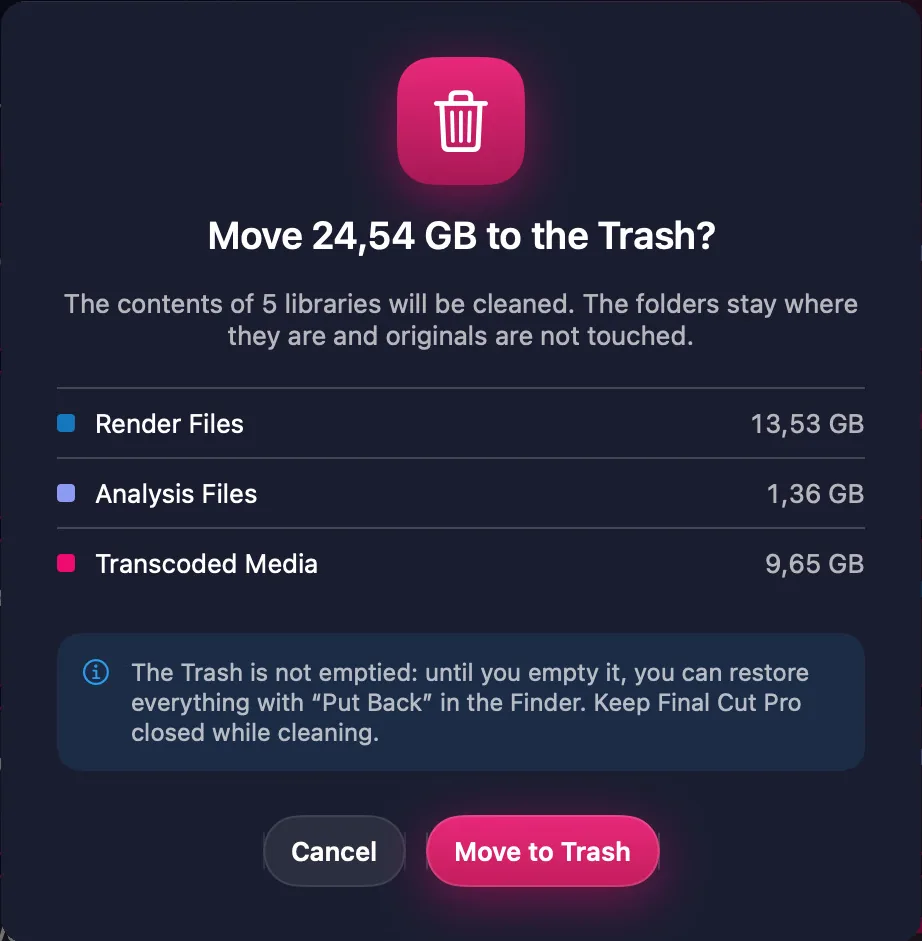
The folders stay, and so do the database and your projects.
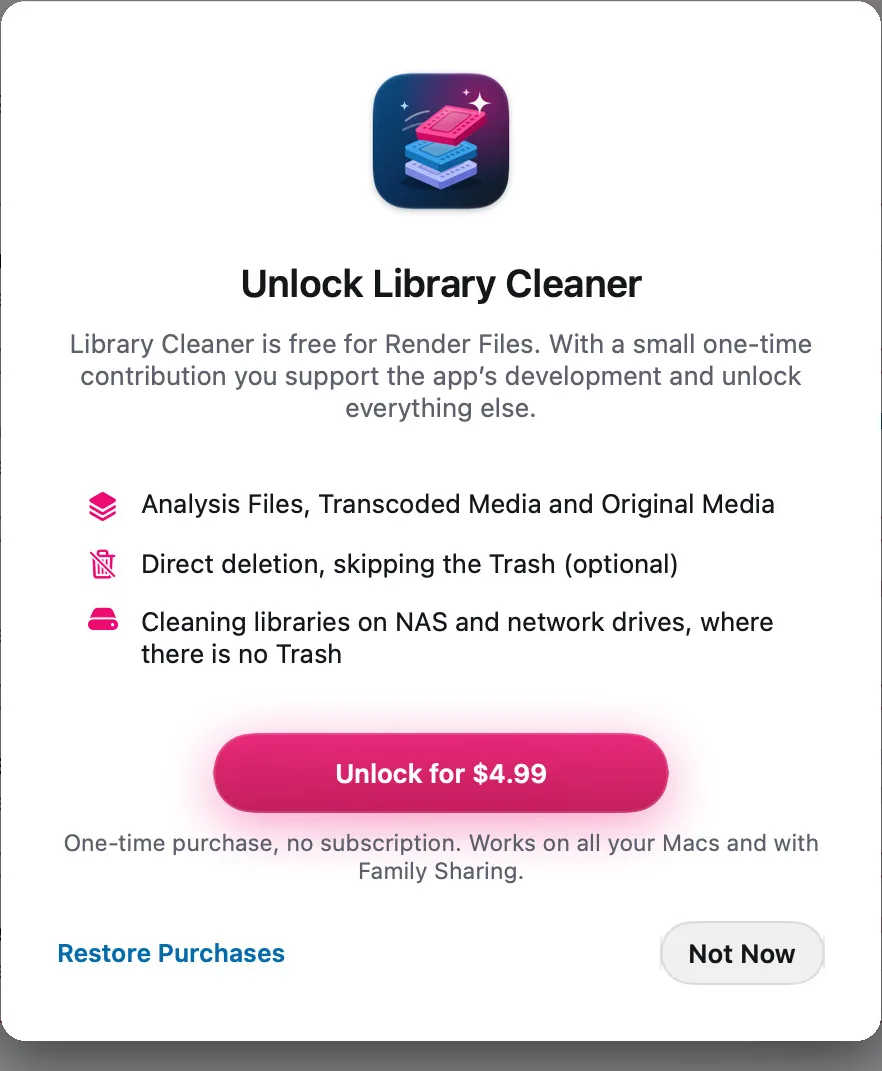
The Full Unlock is a small contribution to the project.
| Feature | Freeforever | Full Unlockone-time purchase |
|---|---|---|
| Analysis and size of every category | Yes | Yes |
| Render Files to the Trash | Yes | Yes |
| Analysis, Transcoded and Original Media | No | Yes |
| Optional “Delete”, skipping the Trash | No | Yes |
| Libraries on NAS and network drives | No | Yes |
| No subscription. Works on all your Macs and with Family Sharing. The price is the one the App Store shows in your country. | ||
Open the Trash, select the files and choose “Put Back”: they return to their place in the library. Do it with Final Cut Pro closed.
The files are in the Trash: the space is freed when you empty it. With the Full Unlock, “Delete” frees it at once.
Yes, with the Full Unlock. Network drives have no Trash, so there files are deleted permanently, after a confirmation.
Final Cut Pro doesn’t recreate them: clips that use them go offline. Remove them only if you have another copy of the footage.
Yes: download the demo library and choose its folder in the app.
Every other answer is on the support page.